Give your agent a whole team’s playbook.
146 editable skills, examples and image tools for your agent.
One payment. $149 after Oct 31. Brief included.Try Workshop on Atelier.
A free starter app, with source and sample skills included. Open it, then ask your agent to make it your own.
Explore the app
Works with your tools.


 Codex · Claude Code · CursorComponentsshadcn/ui · TailwindImages
 OpenAI · Replicate · falMotion
 Motion · Remotion


Add Workshop
to your project.
Choose a folder and your coding agent. The installer adds the skills and tools.
Open installer
Choose your project
Choose folderWhat are you
working on?
Describe your task. Get matching skills and a prompt to use with your agent.
Your prompt is sent to TypeSafe.
Browse 146 skills
All skills
146Product acceptance contract
Translate a product brief into observable acceptance examples and resolve ambiguity before implementation or release review.
Product strategyProduct discovery synthesis
Turn existing customer interviews, support evidence, and usage observations into a traceable product problem decision.
Product strategyFeedback to backlog
Turn a batch of product feedback into deduplicated, evidence-linked backlog changes and customer response drafts.
Product strategyProduct launch readiness
Assess a specific product release and produce a release decision, owner actions, and customer-facing readiness artifacts.
Product strategyOpportunity prioritization
Rank competing product opportunities using comparable evidence, explicit constraints, and sensitivity to uncertain estimates.
Product strategyRelease scope cutter
Convert a feature request or oversized roadmap item into a bounded release specification with explicit tradeoffs.
Product strategyMake each control earn its place
Decide which settings, toggles, selectors, and extra action steps a product actually needs when a screen exposes too many choices or a new feature risks doing so.
Product strategyPut recurring work within reach
Choose useful product destinations and entry pages when navigation duplicates views, hides recurring work, or sends users through an unhelpful overview.
Product strategyDefault what the product actually knows
Choose initial values and remembered preferences for forms and product settings when repeated choices, surprising preselection, or defaults that overwrite intent cause friction.
Product strategyGive the work a coherent object model
Resolve confusing product entities when the same work appears under multiple names, records are duplicated across views, or a new feature invents objects without distinct lifecycles.
Product strategyShow the state that changes the next action
Repair product status models and indicators when vague labels, conflicting badges, or one overloaded state misrepresent what users can do next.
Product strategyRepair contrast and reflow
Use when interface content is difficult to read, distinguish, or operate under zoom, color changes, or narrow layouts.
Accessibility
Based on published practices.
Independent product. No affiliation or endorsement.

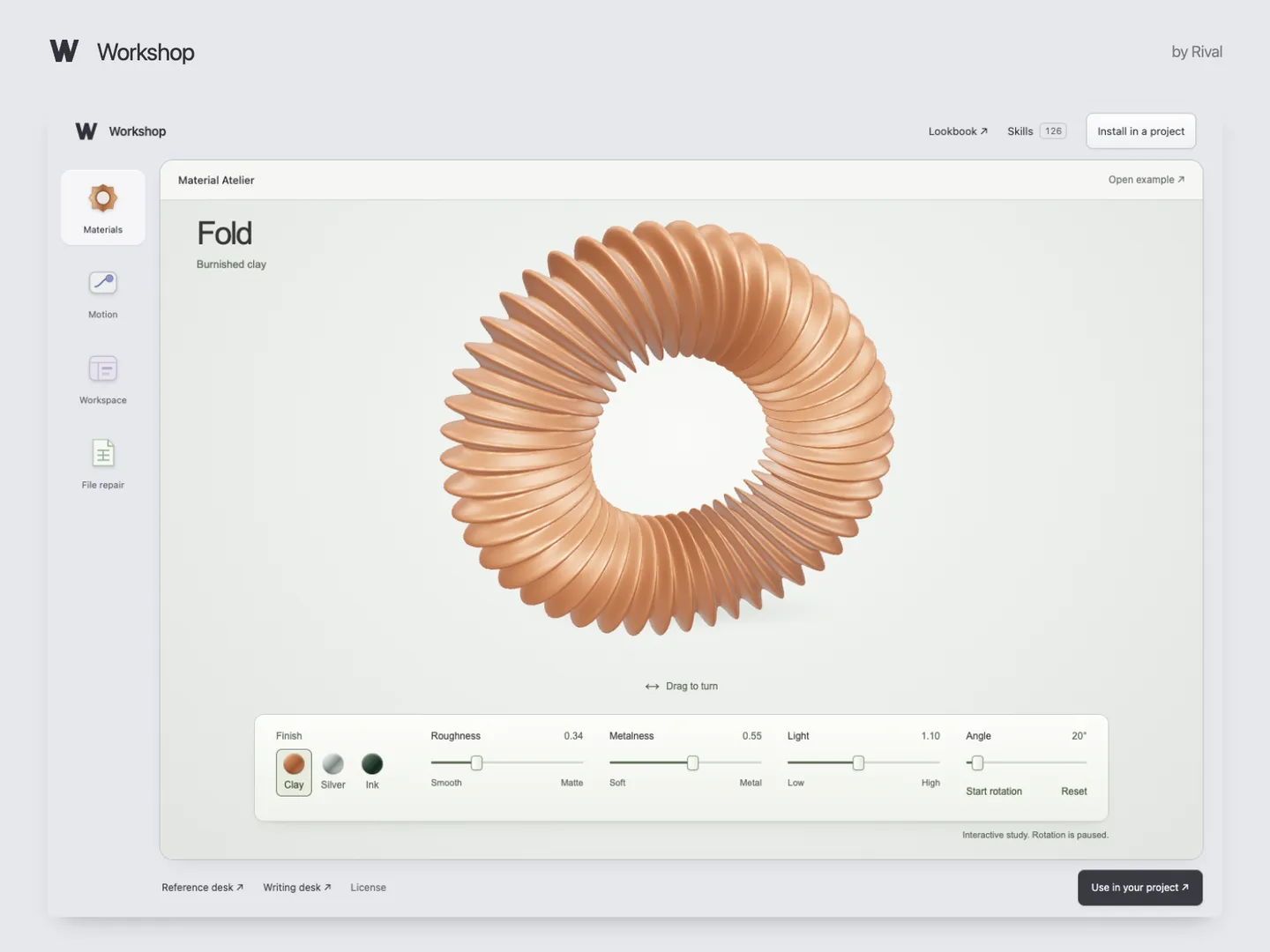
Workshop
$79once, until Oct 31
$149 after
 Brief included$19 on its own, see what Brief doesGet Workshop Instant download · 14-day money-back guaranteeFree sample
 Frequently asked questions
Why buy this when free skills exist?
Use them. Skills like Impeccable and Anthropic’s frontend-design handle how a screen looks. Workshop covers the rest of shipping: empty and error states, keyboard paths, tests, security review, launch copy and pricing, across 22 disciplines, with editable examples and an installer. Try the free sample before deciding.
Will the price change?
Yes. $79 is the launch price until Oct 31, 2026, 11:59 pm Pacific. From November 1, Workshop is $149. Every future edition stays included either way.
What is Brief?
A kit that turns a code change into a visual report with source references, so you know what your agent changed before you merge. It sells for $19 on its own and comes with Workshop. See a report.
Can I get a refund?
Yes. Email support@rival.tips within 14 days of purchase and tell us, in a line, what didn’t fit. You get a full refund, no proof or back-and-forth. The refund closes your order link and future editions. One refund per customer.
What do I need to use it?
Your own AI coding tool, such as Codex or Claude Code. Install Workshop on a computer using Dia, Chrome or Edge. Your AI subscription is separate. The optional image helper needs Python 3.10+, an OpenAI, Replicate, fal or compatible provider key and model access. Your provider bills image usage separately.
What is a skill?
An instruction file your AI reads while it works. It explains how to approach a task and check the result. You can read and edit every skill.
What’s in the free sample?
Six full skills, the project installer, image helper and working examples with editable source. Start with Atelier, a project workspace with search, filters and a detail panel. The sample uses local, fictional data.
Can I use it for client work?
Yes. Use and edit the skills in unlimited personal or client projects. Collaborators on those projects can use them too. You can’t resell the download or distribute it as a competing collection.
Delivery, updates and support?
Lemon Squeezy delivers the files after checkout and by email. Every future edition of Workshop is included: reopen your order link to download it, at no extra cost. For a missing file, email support@rival.tips with your order number.