Give your agent a whole team’s playbook.
126 editable instruction files for your AI. For design, code and business tasks in Codex, Claude Code and more.
One payment · Unlimited projectsExamples your agent can build on.
Skills provide instructions. These included projects provide working code to adapt.
Explore example tasks
Pick a task.
Each comes with instructions your agent can follow.
Make a form easier to use.
Ask your agent to make errors clear, keep what people typed and let them fill the form without a mouse.
Explore 126 skills
Choose a topic, then a skillProduct strategy
Research, scope, priorities and a clear definition of done.
Product acceptance contract
Translate a product brief into observable acceptance examples and resolve ambiguity before implementation or release review.
Product discovery synthesis
Turn existing customer interviews, support evidence, and usage observations into a traceable product problem decision.
Feedback to backlog
Turn a batch of product feedback into deduplicated, evidence-linked backlog changes and customer response drafts.
Product launch readiness
Assess a specific product release and produce a release decision, owner actions, and customer-facing readiness artifacts.
Opportunity prioritization
Rank competing product opportunities using comparable evidence, explicit constraints, and sensitivity to uncertain estimates.
Release scope cutter
Convert a feature request or oversized roadmap item into a bounded release specification with explicit tradeoffs.
More to work with
Open the sampleMorrow
Fictional accounts and billing exports.
Business workbench
Case drafts and exportable briefs.
How it works
Download Workshop
Your files arrive immediately after checkout.
Add it to a project
Choose a project folder in the included installer.
Give your AI a task
Describe what you need, or use an included example.
Workshop
$49USD · one time
Yours to edit. Use in unlimited personal and client projects.
What’s in the download?
- 126 skills across 21 areas of work
- Working examples with source files
- Six tasks to get started
- An installer and a library you can browse offline
Details
Why buy this when free skills exist?
The skills, examples and setup tools are packaged together and yours to edit. Try six full skills free before deciding.
What do I need to use it?
Your own AI coding tool, such as Codex or Claude Code. Install Workshop on a computer using Dia, Chrome or Edge. Your AI subscription is separate.
What is a skill?
An instruction file your AI reads while it works. It explains how to approach a task and check the result. You can read and edit every skill.
What’s in the free sample?
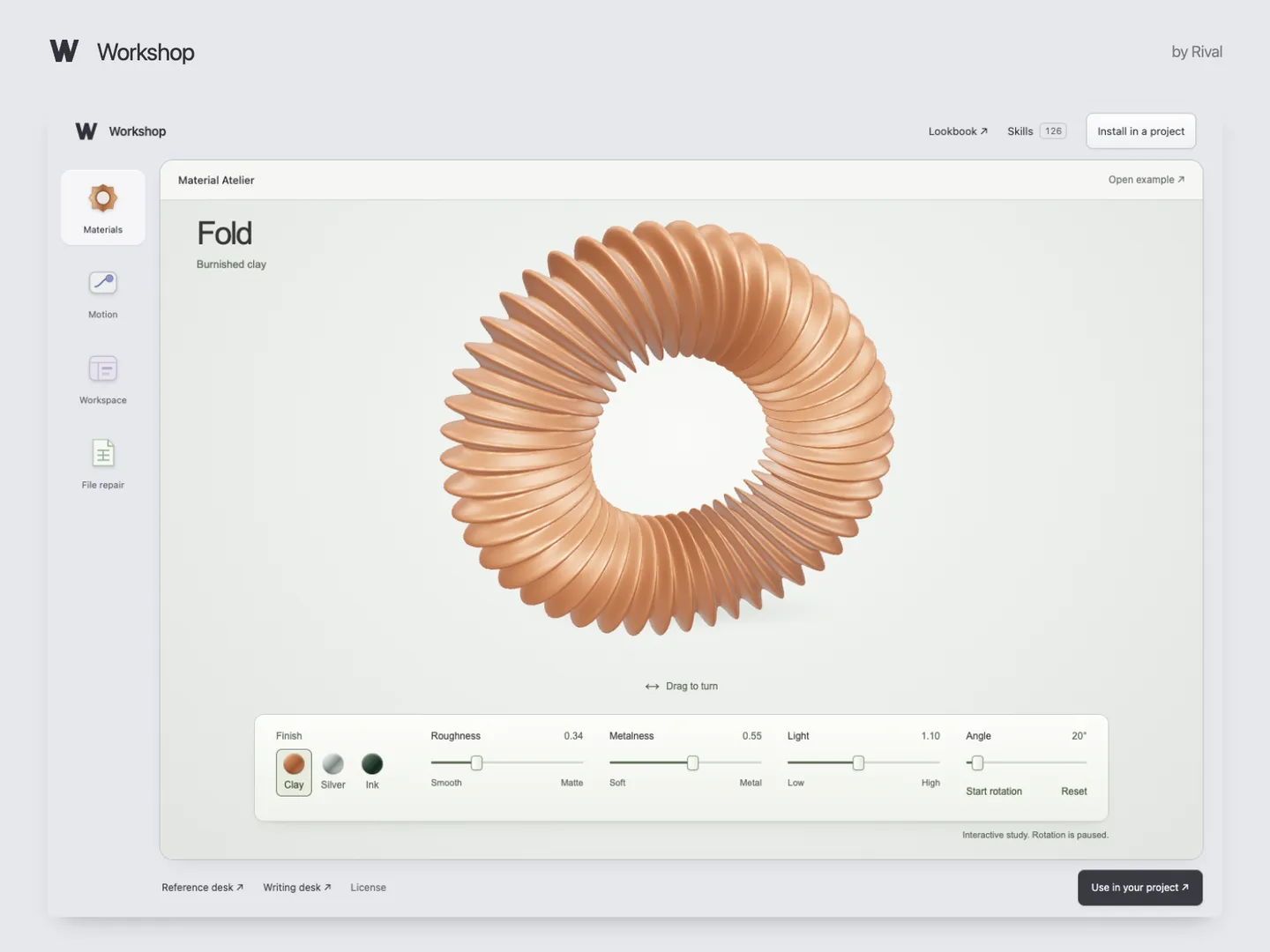
Six full skills, an installer and working examples. Try the CSV repair or 3D materials demo in your browser.
Can I use it for client work?
Yes. Use and edit the skills in unlimited personal or client projects. Collaborators on those projects can use them too. You can’t resell the download or distribute it as a competing collection.
Delivery, updates and support?
Lemon Squeezy delivers the files after checkout and by email. You get the current edition; future updates are not guaranteed. For a missing file, email support@rival.tips with your order number.